

Platform Admin in Canopy
Platform Admin in Canopy sets which AI models your company can use in Threo and Pylon, its system prompt, sensitive data, and the MCP and skill catalogs.
Overview
Section titled “Overview”Platform Admin is where you manage the building blocks your organization uses: which AI models people can pick, the company system prompt, sensitive-data handling, connector tool defaults, the MCP catalog, and the skill catalog.
Every tab here is scoped to the company you are acting as. There is no company picker: if you have delegated into a customer, or signed in as one of their users, the tabs follow that customer.
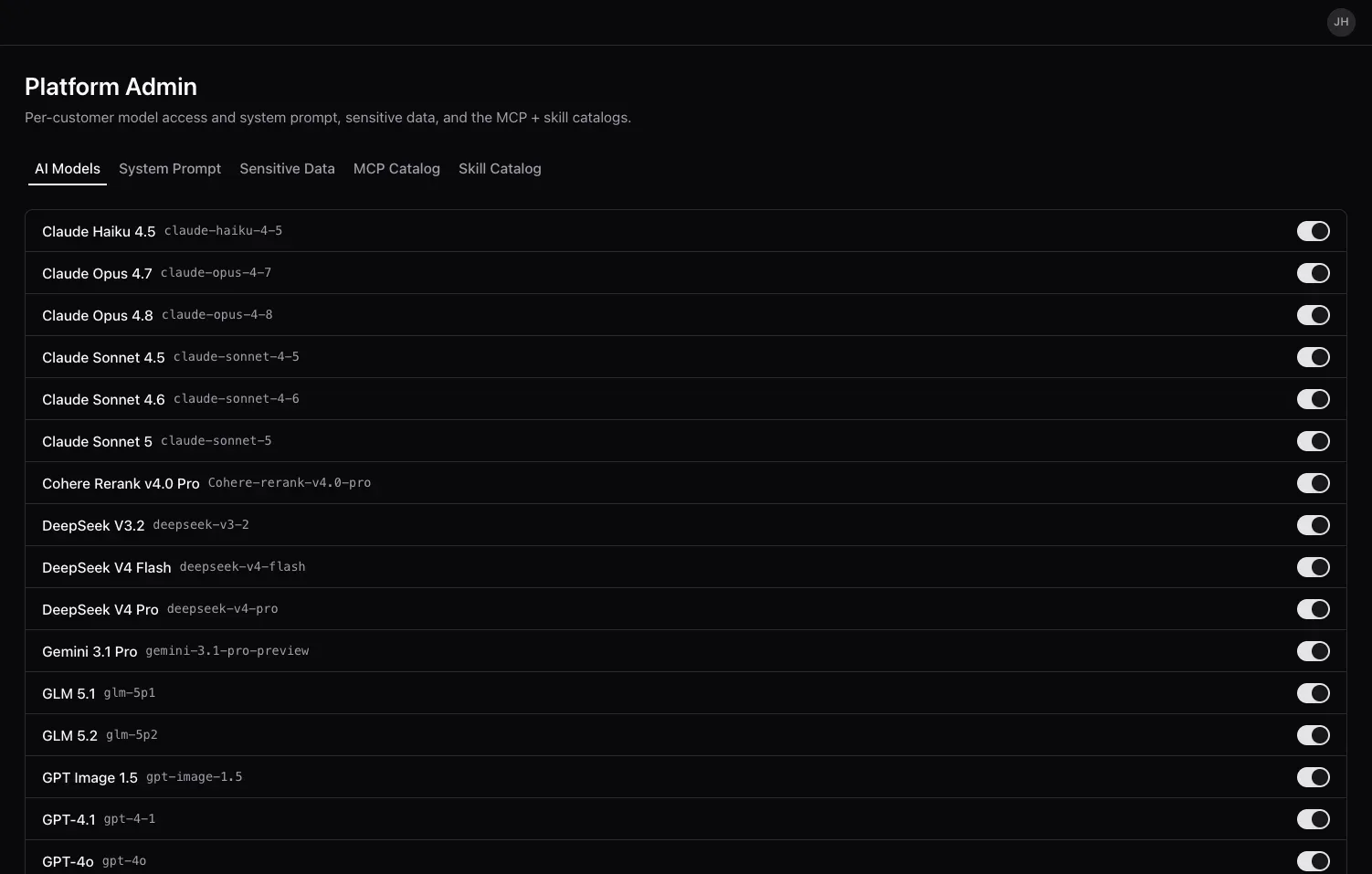
Open Platform Admin from the left navigation in Canopy. The page description reads: “Per-customer model access, connector policies, sensitive data, and the MCP + skill catalogs.”
The tabs
Section titled “The tabs”| Tab | What you manage |
|---|---|
| AI Models | Which models are on for your company, per surface: Pylon access and Threo visibility |
| System Prompt | One company system prompt, added after Synthreo’s own base prompt |
| Sensitive Data | Sensitive-data entries and the credentials behind them |
| MCP Catalog | The MCP servers and REST APIs your members can install as Connectors |
| Connector Defaults | Per-tool consent defaults for a company-managed connector connection. Shown to administrator accounts only |
| Skill Catalog | The skills you publish to your own organization |
Prerequisites
Section titled “Prerequisites”- Access to Canopy with an administrator role.
AI Models
Section titled “AI Models”The AI Models tab is a single filterable table of every model Synthreo offers. You do not add, remove, or configure models here - Synthreo manages the models and their credentials centrally - so there are no vendor-key, deployment, temperature, or per-model system-message fields to fill in. The Vendor column is shown for filtering only.
Each row has two switches:
| Column | What it does |
|---|---|
| Pylon | Whether the model is allowed for your company at all. |
| Threo | Whether the model is visible to your users in ThreoAI. |
Models are allowed by default; the tab is a toggle list, not an add/remove list. Above the table a counter reads, for example, “18 of 24 enabled in Pylon · 12 of 24 visible in Threo”.
Other things worth knowing:
- Filtering is per column. There is no separate search box or view switcher. Name is a text filter; Vendor, Reason. (reasoning), Vision, Pylon and Threo are dropdown facets.
- A parent company can lock a row. If an organization above you disabled a model, the row shows an Inherited badge and its Pylon switch is disabled, with the tooltip “Disabled by a parent company; change it there.”
- Bulk actions. Tick rows and a bar appears with Enable in Pylon, Disable in Pylon, Enable in Threo, Hide from Threo and Clear. Select-all covers every row matching the current filters, not just the visible page. Rows a bulk action cannot legally change are skipped and reported - locked models for Pylon, Pylon-off models for Threo.
- An override is marked. A model whose Threo visibility differs from the platform default shows an info icon reading “Customized for this company”.
System Prompt
Section titled “System Prompt”The System Prompt tab holds one company prompt. It is an appendix: Synthreo’s own base prompt runs first and yours is added after it, so you write only what is specific to your organization.
The tab’s own guidance says it best: “Give your assistant its own personality and voice. Set its tone and style, add company context, or say how it should address your team. You don’t need to write safety rules or tool instructions; Synthreo handles those for every model.”
Type your prompt in the box and select Save. Save stays disabled until you actually change something, and saving an empty box clears the company prompt rather than storing a blank one. See System Prompts for guidance on what to write.
Sensitive Data
Section titled “Sensitive Data”The Sensitive Data tab lists your sensitive-data entries with Name, Type, Created By, Added and Updated columns, plus row actions. Use Add Sensitive Data to open the New sensitive data dialog: give the entry a name, pick a credential type, and fill in the fields that type requires. Refresh re-reads the list.
Sensitive-data entries are one of the two things you can share from the Sharing page.
MCP Catalog
Section titled “MCP Catalog”The MCP Catalog tab is your company connector catalog: the MCP servers and REST APIs your members can install as Connectors in ThreoAI (under Studio > Capabilities > Connectors) and in Pylon.
Each row shows the Adapter (display name, id and description), Type (MCP or REST), Hosting (Self-hosted or External), Roles, Categories, Endpoint, Auth modes, a Catalog entry on/off switch, and a Shared badge. Above the table: New connector, Refresh, and a count reading “N active · M disabled”.
The Shared badge decides who inside your company can use a connector - Everyone, Restricted, or Off when there is no shared install to share. Click it to open the share panel. (Unavailable means the share lookup failed; click it to retry.)
Use New connector to register an entry - see MCP Connector Catalog for the full walkthrough with examples.
See Connectors for the end-user side.
Connector Defaults
Section titled “Connector Defaults”The Connector Defaults tab appears for administrator accounts. Pick one of your company-managed catalog connections and set, per tool, whether it is Allow automatically, Ask each time, or Deny. Clearing a row removes the company default, and a person’s own override always wins over the company default. The tab also keeps an audit history of who changed what and when for that connection.
If your company has no company-managed connections installed from the catalog, the tab says so instead of showing a table.
Skill Catalog
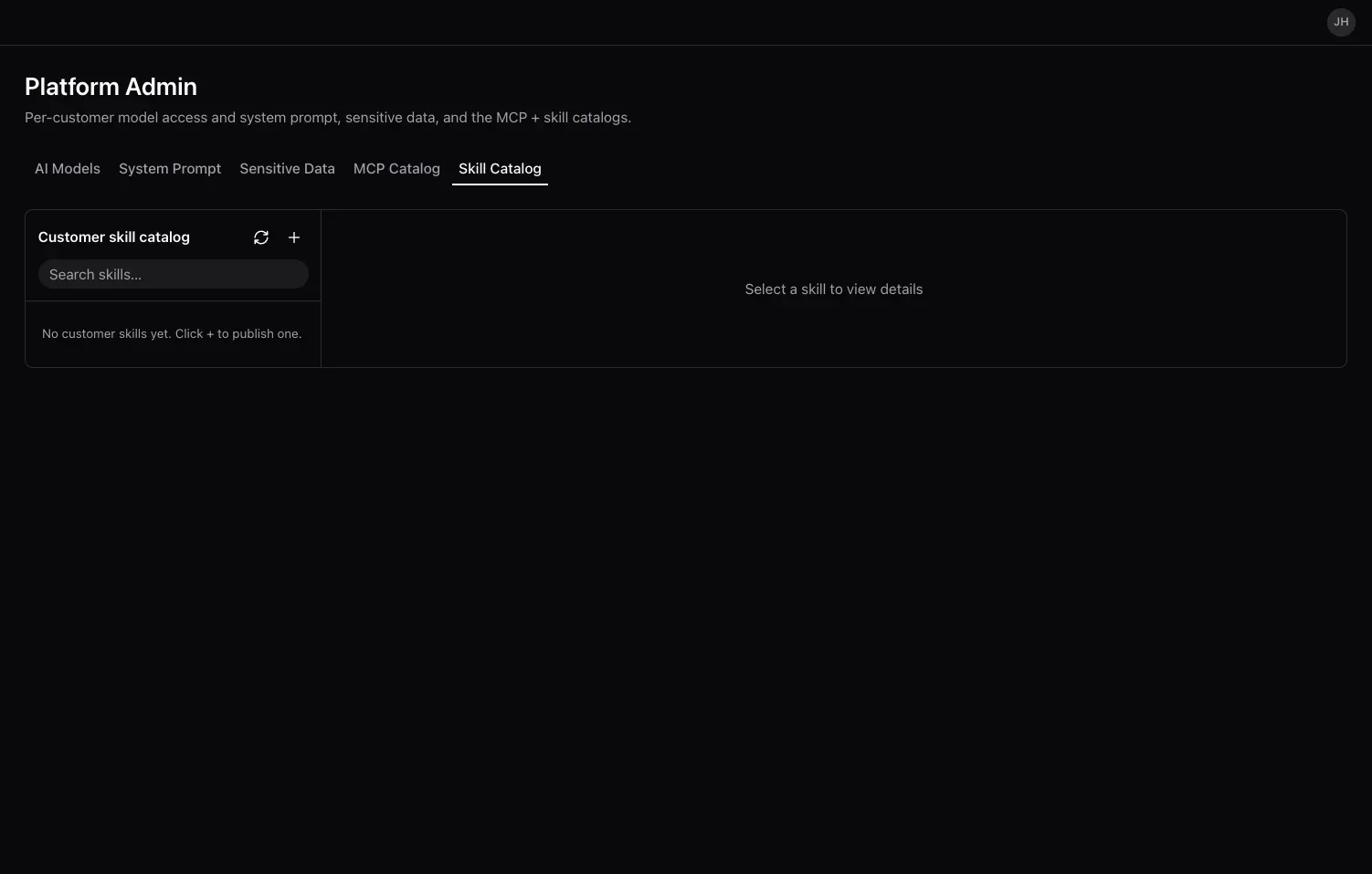
Section titled “Skill Catalog”The Skill Catalog tab is your Customer skill catalog: the skills your own organization has published. Synthreo’s global skills are not authored here - the global catalog lives on the root-only AI Configuration surface.
Select a skill in the left pane to read its files. Each skill carries badges for its provenance and its visibility (Visible, Hidden, or Always on), plus a sharing badge you can click to open the share panel. The actions menu offers Download, Replace…, Disable and Delete. Disabling is the non-destructive option; Delete is permanent.
Publish a new skill with the + button. The dialog takes:
- a Skill file - a
.zipor.skillbundle containing aSKILL.md, or a bare.mdfile with its skill name and description written in YAML (4 MB maximum); - a Visibility - Visible (members can enable) or Hidden;
- Who can use it - everyone in your company by default, or a named set of people.
There is no Scope choice on this tab - the scope is fixed to your customer - and the Always on option is a Synthreo-global concept that does not appear here.
Skills you publish appear to your users in ThreoAI under Studio > Capabilities > Skills.
See Skills in ThreoAI for the end-user side.
Frequently Asked Questions
Section titled “Frequently Asked Questions”Where did GPT Models and Vendor Keys go? They have been removed. You no longer create models or store vendor credentials in Platform Admin. The AI Models tab now only turns models on or off for your company, and Synthreo manages the models and their credentials centrally.
Why can’t I turn a model on in Threo? Because it is off in Pylon. Pylon access gates Threo visibility: enable the model in the Pylon column first, then the Threo switch becomes usable.
A model’s switch is disabled and shows “Inherited”. Why? An organization above yours has disabled that model. It has to be changed there; you cannot re-enable it locally.
If I disable a connector in the MCP Catalog, do existing connections keep working? No. Disabling a catalog entry stops existing connections from leasing credentials as well as blocking new installs. Treat it as a kill switch and re-enable the entry to restore access.
How do I set a system prompt for my company? On the System Prompt tab. It is one prompt for the whole company, added after Synthreo’s base prompt. See System Prompts.
What is the difference between Platform Admin and AI Configuration?
Platform Admin manages what your own organization uses and is available to your administrators. AI Configuration holds global, cross-organization settings and is restricted to Synthreo operators holding the synthreo:superuser claim.
How do I make a skill available to my users? Publish it on the Skill Catalog tab. It then appears for your organization in ThreoAI under Studio > Capabilities > Skills.
Related
Section titled “Related”- System Prompts - write the company system prompt applied across your models
- Skills in ThreoAI - the end-user side of the Skill Catalog
- Connectors - the end-user side of the MCP Catalog
- Sharing - decide who can use what